Too many AI tools
One platform for images, another for video, another for motion and another for finishing can turn a simple idea into a tool-management exercise.
Higgsfield AI brings video, image, audio and creative production workflows into one web-based environment, with access to multiple generation models and tools.
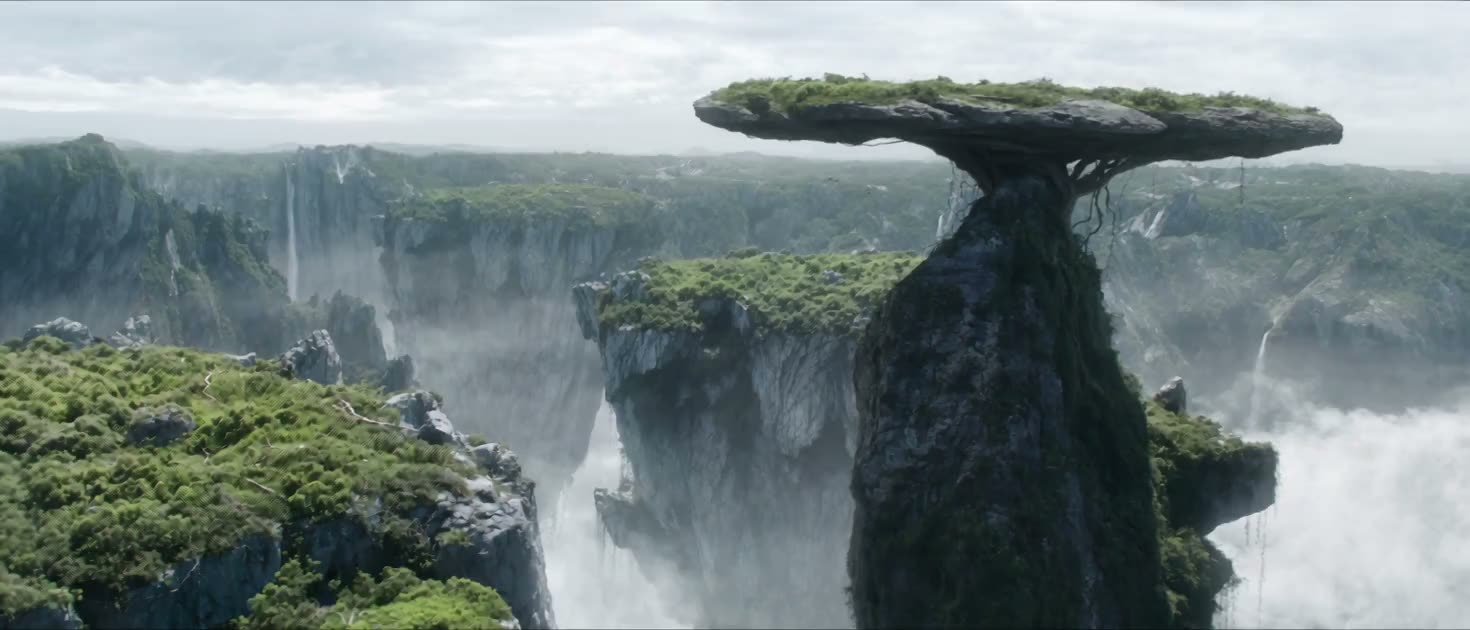
The hard part is often not finding one AI model. It is managing the growing stack around it: different tools, different interfaces, different credits and a lot of exporting and importing.
One platform for images, another for video, another for motion and another for finishing can turn a simple idea into a tool-management exercise.
Switching tools can mean rebuilding prompts, references, settings and creative context instead of staying focused on the shot.
A finished image is only the beginning when the goal is a moving scene. Image-to-video workflows need references, motion direction and iteration.
Creators often want a specific push, orbit, tracking move or reveal rather than a random motion result.
Characters, products and environments need to stay recognizable when a campaign spans multiple shots and generations.
The workflow becomes more useful when ideation, generation, refinement and production can happen without constant context switching.
That is the workflow problem Higgsfield is designed to simplify: put more of the creative stack in one environment while still giving creators access to multiple models and specialized tools.
Higgsfield AI is a web-based creative platform that combines AI video, image and audio workflows with a growing collection of models and production tools.
Its current product surface includes dedicated areas for Image, Video and Audio, plus tools such as Cinema Studio, Marketing Studio, Supercomputer, Genjutsu, Effects, Canvas, integrations and developer-facing access.
For creators, the practical idea is simple: instead of treating every generation model as a separate destination, Higgsfield lets you choose a workflow and model inside one broader creative environment.
Higgsfield is more than a single AI video generator. The platform combines generation models with specialized creative workflows.
Choose from current video and image model families inside the Higgsfield environment.
Use references, motion instructions and cinematic controls where supported by the selected workflow.
Move beyond first-generation output with editing, effects, lip sync and other creative tools.
Marketing Studio and related tools extend generation into commercial creative workflows.
Connect Higgsfield to supported agents and coding workflows without treating every generation as a manual task.
An agent-based workflow can plan and run multi-step generation tasks across the Higgsfield stack.
The model lineup changes quickly. These examples reflect current public Higgsfield documentation and should be checked against the live model picker before making a production decision.
ByteDance's multimodal video family on Higgsfield, with text, image, video and audio inputs and native sound in supported generations.
Google's image model family is available on Higgsfield for generation and editing workflows, with different variants for different jobs.
A current Higgsfield tool for transferring motion into new scenes or swapping selected details while preserving other filmed elements.
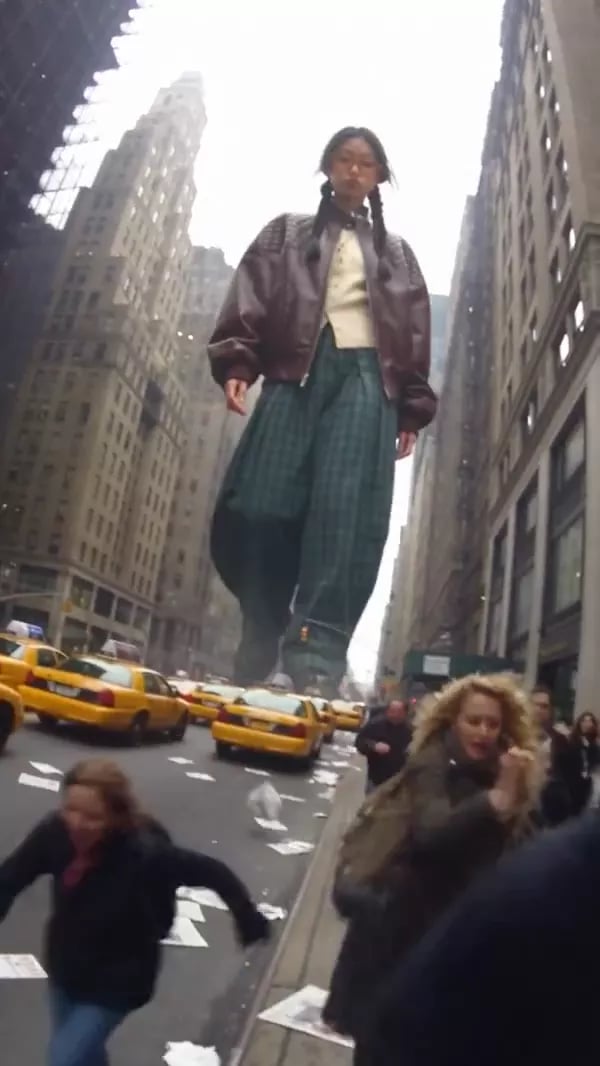
Higgsfield's current video environment also provides access to several external model families, with availability depending on tool and plan.
From short-form concepts to cinematic scenes and product-led visuals, the platform is built around making visual experimentation faster.

Build vertical concepts and iterate on motion, framing and style.
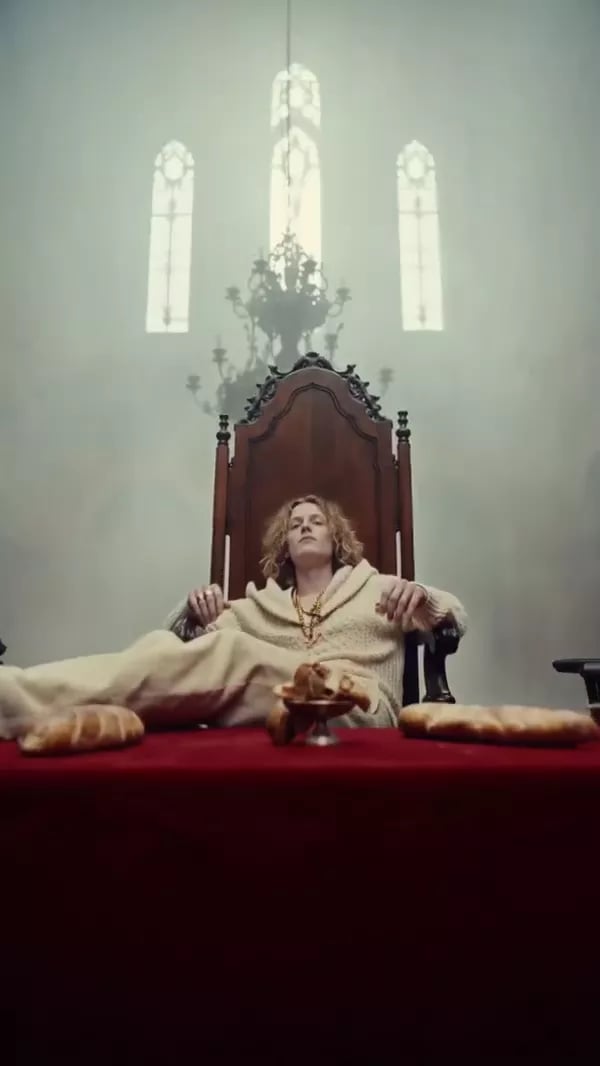
Use references, movement and visual direction to shape a shot.
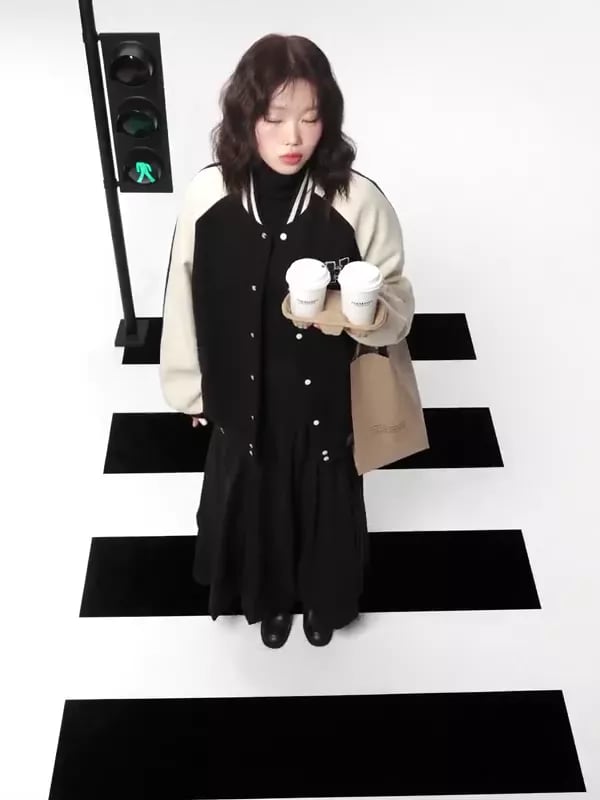
Turn product ideas into visual treatments and campaign variations.
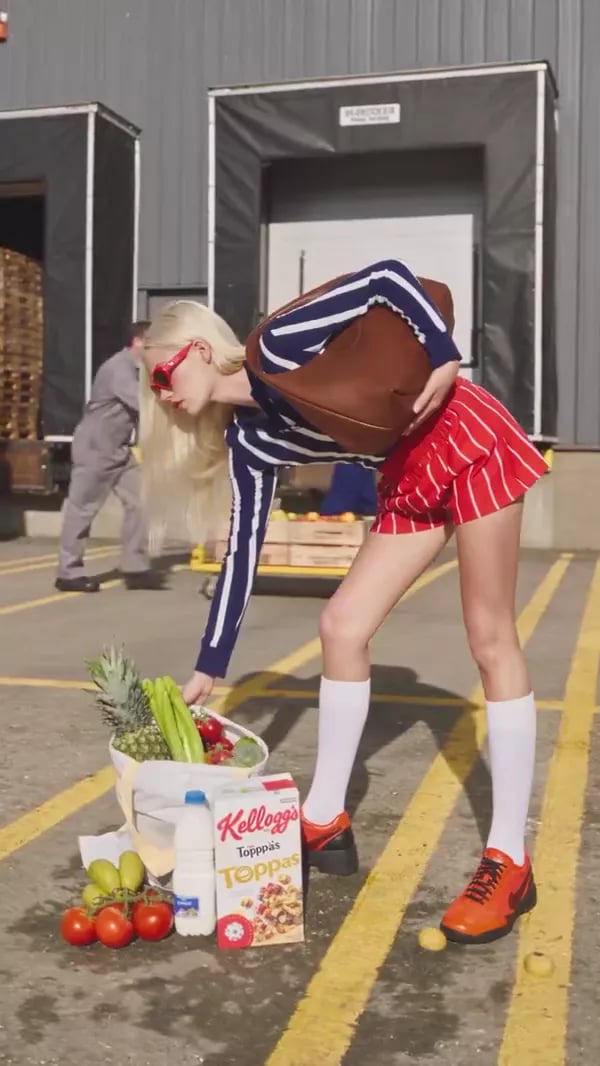
Explore characters, locations, products and motion before production.
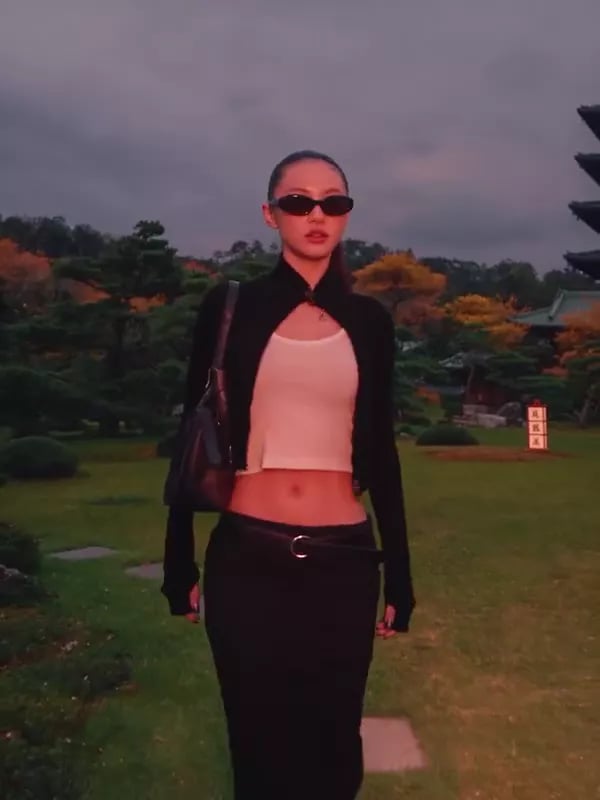
Test lighting, wardrobe, framing and movement through generated visuals.
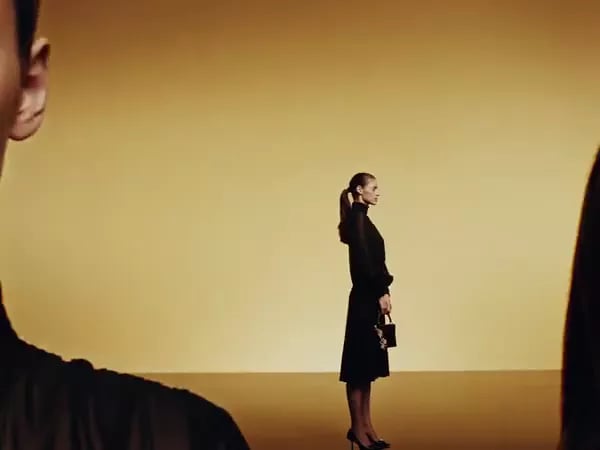
Build shots around specific framing, movement and visual atmosphere.
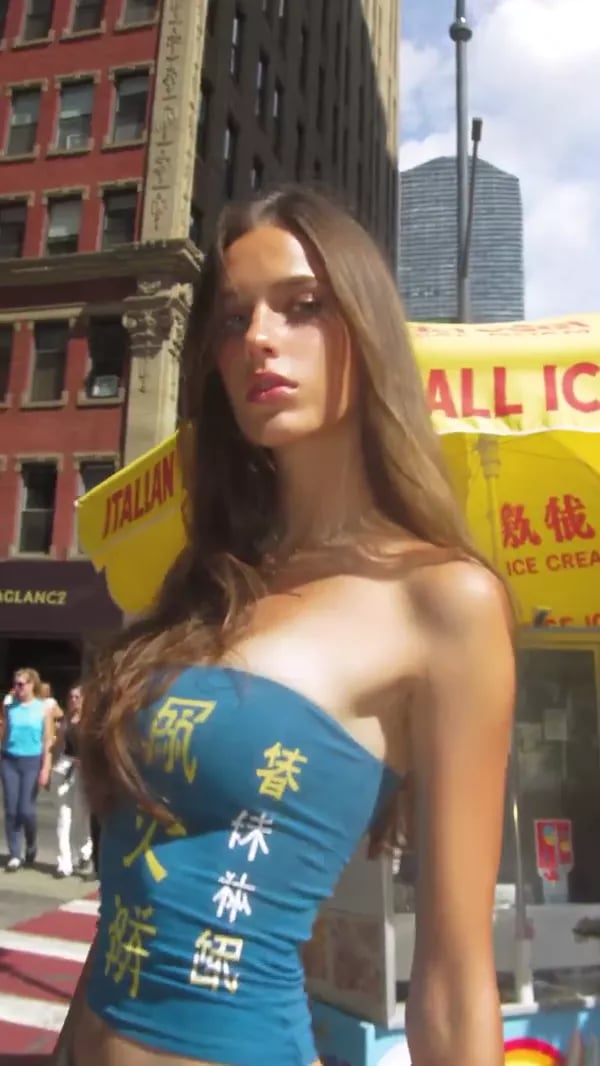
Prototype scenes and visual worlds that would be expensive to shoot traditionally.
Push a visual idea beyond the constraints of a normal shoot.
A useful Higgsfield workflow is less about pressing Generate once and more about choosing the right model, reference and iteration loop.
Write the scene, product concept, story beat or visual direction you want to explore.
Select a video, image, audio, editing or specialized creative tool based on the result you need.
Use references, camera instructions, settings and targeted iterations instead of changing everything at once.
Move the finished asset into your publishing, advertising, editing or client workflow.
Higgsfield's current product surface spans creators, marketers, production teams and developers. The exact fit depends on the workflow.
You may find it useful when you need a steady stream of visual concepts, short-form videos or cinematic experiments.
Generate creative directions, product scenes and advertising variations before investing in a full production cycle.
Explore product-led visuals, campaign treatments and social creative without starting every concept from a blank timeline.
Prototype scenes, characters, camera ideas and visual worlds during development and previsualization.
Shared business workflows can pool credits and assets while adding collaboration and administrative controls.
MCP, CLI/Skills and the API extend Higgsfield into supported coding-agent and programmatic workflows.
Different tools inside Higgsfield solve different production problems. Here are the workflows worth understanding first.
Higgsfield's video environment brings multiple video model families into one workspace. Current public documentation includes Seedance, Kling, Veo, Wan and other models.
Genjutsu is positioned by Higgsfield as a way to transfer motion into new scenes, swap details or recast footage while preserving other elements of the source.
Higgsfield supports image-generation workflows through multiple model families, including Nano Banana variants and Higgsfield's own image tools.
For supported models, references can help anchor characters, styles, motion or other visual elements. Seedance documentation also describes camera terms such as dolly, orbit, crane and tracking instructions.
Marketing Studio extends the platform toward commercial creative work, including product-led and advertising workflows.
For more advanced workflows, Higgsfield documents MCP, CLI/Skills, plugins and a self-serve API. The API currently exposes 50+ image and video models with pay-as-you-go billing.
This is not a claim that one setup is universally better. It is a practical way to understand where a multi-model platform can change the workflow.
Higgsfield currently separates individual plans from business plans. The official pricing page is the source of truth because prices and promotional offers can change.
The official help center confirms individual and business plans, monthly credit allowances and different model access. The live pricing page should be checked for the exact price displayed to your region at signup.
Designed for solo creators and people exploring the platform.
For creators who need more monthly credits and broader model access.
Built around shared workspaces, pooled credits and administration.
The answer depends less on hype and more on the workflow you actually need to run.
You may find it useful if you want to experiment with AI video, images and short-form creative without maintaining a separate tool for every generation task.
You may find it useful if your team needs fast concept development, product visuals and advertising variations.
You may find it useful for visual development, storyboarding, character references, motion exploration and cinematic shot experiments.
You may find it useful for product-led visuals, creative testing and social campaign concepts.
You may find it useful if you want multiple models and specialized tools without opening a separate account for each model family.
You may find it useful if MCP, CLI/Skills or API access fits your production workflow.
Answers are written around current public Higgsfield documentation. Pricing, models and features can change.
Higgsfield AI is an AI-native creative platform with tools for generating and working with video, images, audio and related creative workflows. Its current product surface includes model access plus specialized tools such as Cinema Studio, Marketing Studio, Genjutsu and Supercomputer.
Yes. Higgsfield has a dedicated AI video workspace that brings multiple video models into one environment. Current public documentation includes Seedance, Kling, Veo, Wan and other models, depending on tool and plan.
Yes. Higgsfield provides image-generation workflows and access to image model families including Nano Banana variants and Higgsfield's own image tools. Exact model availability depends on the current product and plan.
Yes. Image-to-video is part of the current Higgsfield video workflow. The exact inputs and controls vary by model. Higgsfield's Seedance documentation specifically describes image-to-video as a supported workflow.
Higgsfield offers individual and business plans. Individual plans differ in model access, monthly credits and generation capacity. Because the live pricing page can show promotional pricing and region-specific taxes, check the official page for the current amount before subscribing.
Higgsfield's current help center says users can generate without a paid subscription, with limited model access and without the paid-plan credit allowance. It also says there is no trial period; the free tier is the way to explore before upgrading.
Higgsfield MCP is an integration that lets supported chat agents connect to Higgsfield tools. It is intended for agent-driven creative workflows where the agent can select parameters and call generation tools through the connection.
MCP can be used to bring Higgsfield generation into supported AI-agent workflows. The same Higgsfield account and plan credits apply, and Unlimited web access does not automatically make MCP or CLI generations free.
Genjutsu is a current Higgsfield visual tool positioned around transferring motion into new scenes, recasting footage with new characters or locations, and swapping selected elements while keeping other parts of the shot intact.
Higgsfield is positioned for creators, marketers, filmmakers, brands, agencies, creative teams and developers who need AI-assisted image, video, audio or production workflows.
Commercial rights depend on the applicable terms and plan. Higgsfield's current business-plan documentation states that commercial use rights are included on business plans. Review the current terms for your exact use case.
Not necessarily. Higgsfield includes generation and editing-oriented workflows and currently documents integrations with Premiere Pro, After Effects, DaVinci Resolve, Photoshop, Blender and other tools. Many professionals can still keep a traditional NLE as part of the overall pipeline.
Start in Higgsfield's Video area, choose a supported model, provide a prompt and any needed references, set duration or resolution where available, generate, review the result and iterate. Higgsfield's Seedance guide recommends starting with shorter, lower-resolution prototypes before rendering a final shot.
Alternatives include dedicated or multi-model creative platforms such as Runway, Kling's own platform, Google Flow and others. The right alternative depends on whether you prioritize model access, editing, camera control, cost, automation or a specific creative workflow.
Visit the official Higgsfield website, create an account and choose the creative workflow you want to test. You can begin with the current free access or choose a paid plan if you need broader model access and more credits.
Explore Higgsfield AI if you want a single creative environment for AI video, images, audio and a growing set of production workflows and models.